1-Year Anniversary of Installing Cursor
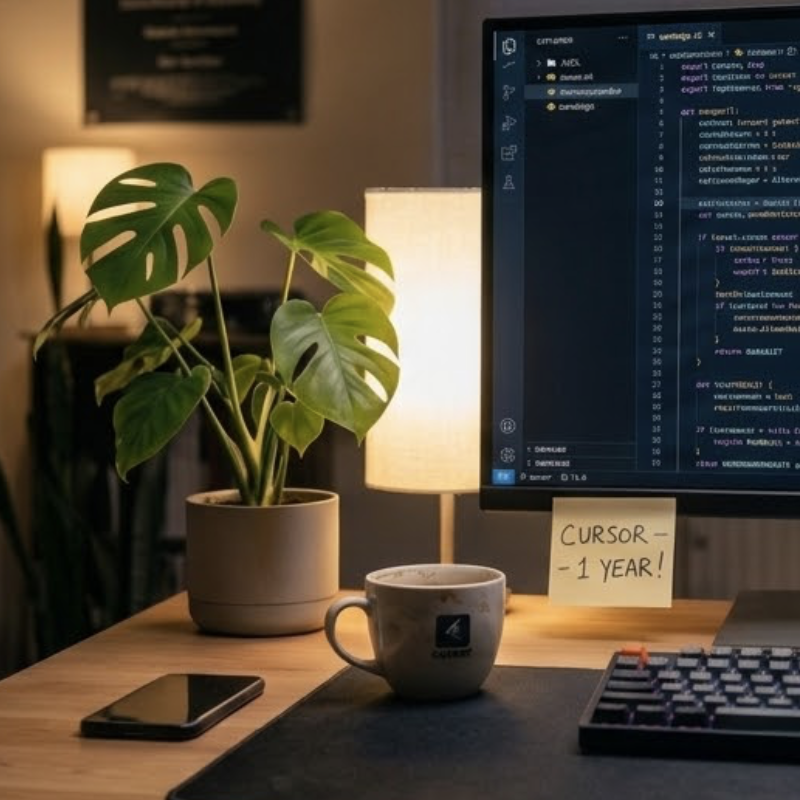
It was nearly a year ago when I hit my first “A Ha!” moment with AI coding. I was using ChatGPT to help me write code and solve problems when I decided to give this “Cursor” thing a try.
Every year about this time there is a conference I subscribe to with talks from specialists. The information is good except the delivery method is awful; you have to log into the website and use their web audio player. If you are on the go this is cumbersome to use and it doesn’t keep track of what you have listened to so far!
Podcasts are the painfully obvious solution to this, but they don’t expose their talks as a podcast.
So ever since ~2022 I just made my own. I scraped the HTML files, wrote a script to download the media files, wrote another script to create a podcast .xml file stuffed it all in an S3 bucket and moved on with my life. The task wasn’t hard, but it had a lot of manual steps and usually took a day or two before I had it all working and wired up and glitches worked out.
In April 2025, I installed Cursor and I laid out the problem and watched it work. It worked fast, so I fed it sample HTML fragments from the site and it figured out how to parse out what we needed. We hit a significant glitch when I realized that all the media file links were loaded dynamically and there were no audio files. But Cursor said, “I got you Boss” and it added selenium, had me login, then used the DOM to collect the data. In under 2 hours I went from installing Cursor to listening to the podcast on my phone.
A year later it’s 2026 and the summit is on. All the code is still in git, so I pointed Claude Code at the repo and said, “Make it so!” At least that’s what it felt like, what I actually said was:
I used this last year to create a podcast from the migraine world summit, it’s a year later and it’s time to see if it still works. I don’t remember how much was hard coded so I’ll need you to analyze the code base and readme to see if it can be reused.
Claude added a year parameter and said give it a try. We found a quirk in the HTML formatting that prevented some audio files from being loaded, but that took but a few minutes to work around.
22 minutes later I was done. And likely about 7-10 minutes was me… times when I typed in passwords to authenticate, manually logged into AWS to upload the file to my bucket, etc.
| Elapsed | Event |
|---|---|
| 0:00 | Session started — asked Claude to analyze the codebase for reusability |
| ~0:02 | Analysis complete. Identified 5 hardcoded year references, CSS selector fragility risks, and Selenium compatibility concerns. |
| ~0:04 | All code changes made: added --year CLI arg to both scripts, updated year references, updated README and .gitignore. Ready for first test. |
| ~0:05 | First run — macOS Gatekeeper blocked chromedriver. Clicking “Done” was enough, no xattr fix needed. |
| ~0:06 | Scraper ran successfully, 36 talks found. Feed generated. |
| ~0:08 | Sanity check revealed only 11/36 talks had audio enclosures. |
| ~0:10 | Case-sensitivity bug found. Site changed “Audio: Full Length” → “Audio: Full length”. Fixed with .lower() on all comparisons. |
| ~0:12 | Added summary stats to scraper output. Added media fallback chain (full audio → 30-min → video). |
| ~0:15 | Discovered 4 sponsored talks are Vimeo-only — no direct media files. Added talk_url scraping and talk page links for video-only episodes. |
| ~0:18 | Final scrape + feed generation. 32/36 talks playable. |
| ~0:22 | Feed hosted and loaded in podcast app. Listening. |
Cursor was the first AI coding tool that really blew me away. This bit of code isn’t glorious, special, elegant, complicated… it’s just a dodgy script that solved a problem. I had no illusions that LLMs were going to take over coding, but this was the moment it became real for me.
That was only 11 months ago. Now I have Claude building entire mobile apps, managing deployments, designing complex distributed systems, and more.
It’s mind boggling to see how much has changed in a year.